

Have you ever been added to a group text that just won’t stop buzzing? At first, it’s fine—maybe you’re catching up with friends or collaborating on a work project. But after a while, those constant notifications become overwhelming. You want to leave a group text, but the process isn’t always straightforward. Believe me, I’ve been there, and figuring out how to remove yourself from a group text can feel like a small victory.
Luckily, it’s not as complicated as it seems, and I’m here to show you how to do it, depending on the platform you’re using.
Let’s walk through the steps to exit a group text, mute it, or even delete it—whether you’re using iMessage, WhatsApp, or Google Messages.
Can I Really Leave a Group Text?
Before we get into the specifics, it’s important to understand that leaving a group text depends on what platform you’re using. In some cases, you can leave the conversation with just a few taps. But if the group uses traditional SMS or MMS (the dreaded “green bubbles” on iMessage), you’re a bit more limited. While it’s possible to mute or hide notifications, exiting the group entirely may not always be an option.
Why Can’t I Leave a Group Text on SMS/MMS?
If you’re on an SMS/MMS group text, meaning the chat includes both iPhone and Android users, the group isn’t using modern messaging protocols like iMessage or RCS. This means you don’t have a built-in option to leave the group like you would with iMessage or WhatsApp. In this case, the best option is to mute notifications or block the participants if you’re really looking for peace.
How to Remove Yourself from a Group Text by Platform
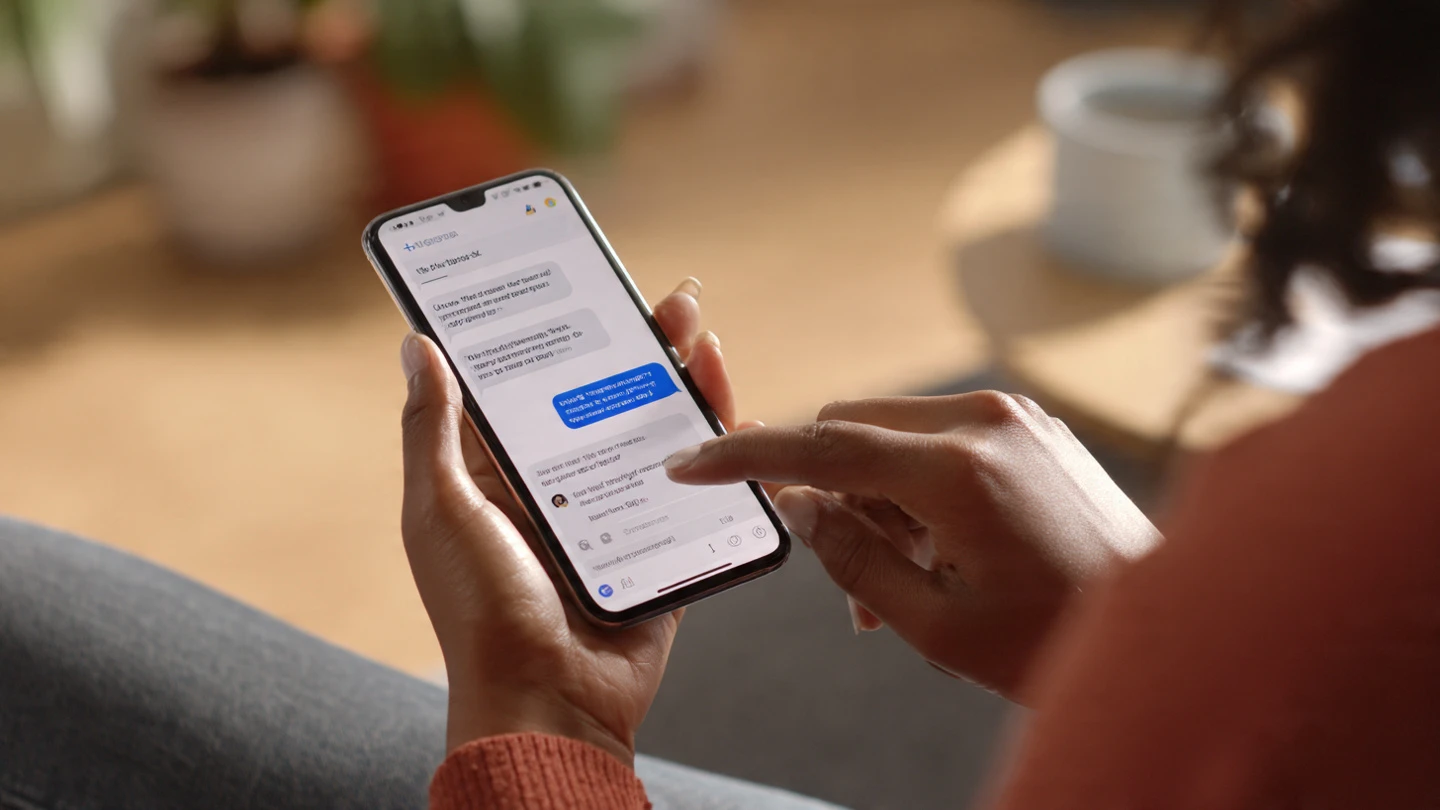
Let’s go over how to remove yourself from a group text based on which messaging platform you’re using. Whether it’s iMessage, Google Messages, or WhatsApp, each platform has different rules.
How to Remove Yourself from a Group Text on iPhone (iMessage)
If everyone in the group is using iMessage (i.e., the “blue bubbles”), you can easily leave the group. This feature makes managing group chats much simpler than the old SMS days. Here’s how I remove myself from an iMessage group text:
- Open the group text you want to leave.
- Tap the group name or icons at the top of the thread.
- Scroll down and tap “Leave this Conversation”.
- Confirm your choice.
If you don’t see the “Leave this Conversation” option, it likely means the group contains at least one Android user (green bubbles). In that case, you can’t leave the group, but you can mute it to stop the notifications.
How to Mute an iMessage Group Text
If you can’t leave the group, muting it is your next best option. Here’s how to mute a group text in iMessage:
- Tap the group name or icons at the top of the thread.
- Scroll down and toggle “Hide Alerts” (or “Notifications” in some versions) to on.
This will silence notifications, but you’ll still be able to read the messages when you want to. It’s a great way to escape the noise without completely leaving the conversation.
How to Remove Yourself from a Group Text on Android (Google Messages)
If you’re using Google Messages and the group is an RCS (Rich Communication Services) chat, you can leave it with these simple steps:
- Open the group chat in the Google Messages app.
- Tap the three-dot menu (⋮) in the upper-right corner.
- Select “Group details”.
- Tap “Leave group” and confirm your choice.
For SMS/MMS group chats (the old-school texting method), unfortunately, you can’t leave the group. The only options are to mute the conversation or delete it.
How to Mute an SMS/MMS Group Text on Android
To mute an SMS/MMS group text:
- Open the group chat in Google Messages.
- Tap the three-dot menu (⋮) in the upper-right corner and select “Group details”.
- Under “Notifications”, set it to Silent or Mute.
This will prevent any notifications from interrupting you, while still allowing you to review the chat when needed.
How to Remove Yourself from a Group Text on WhatsApp
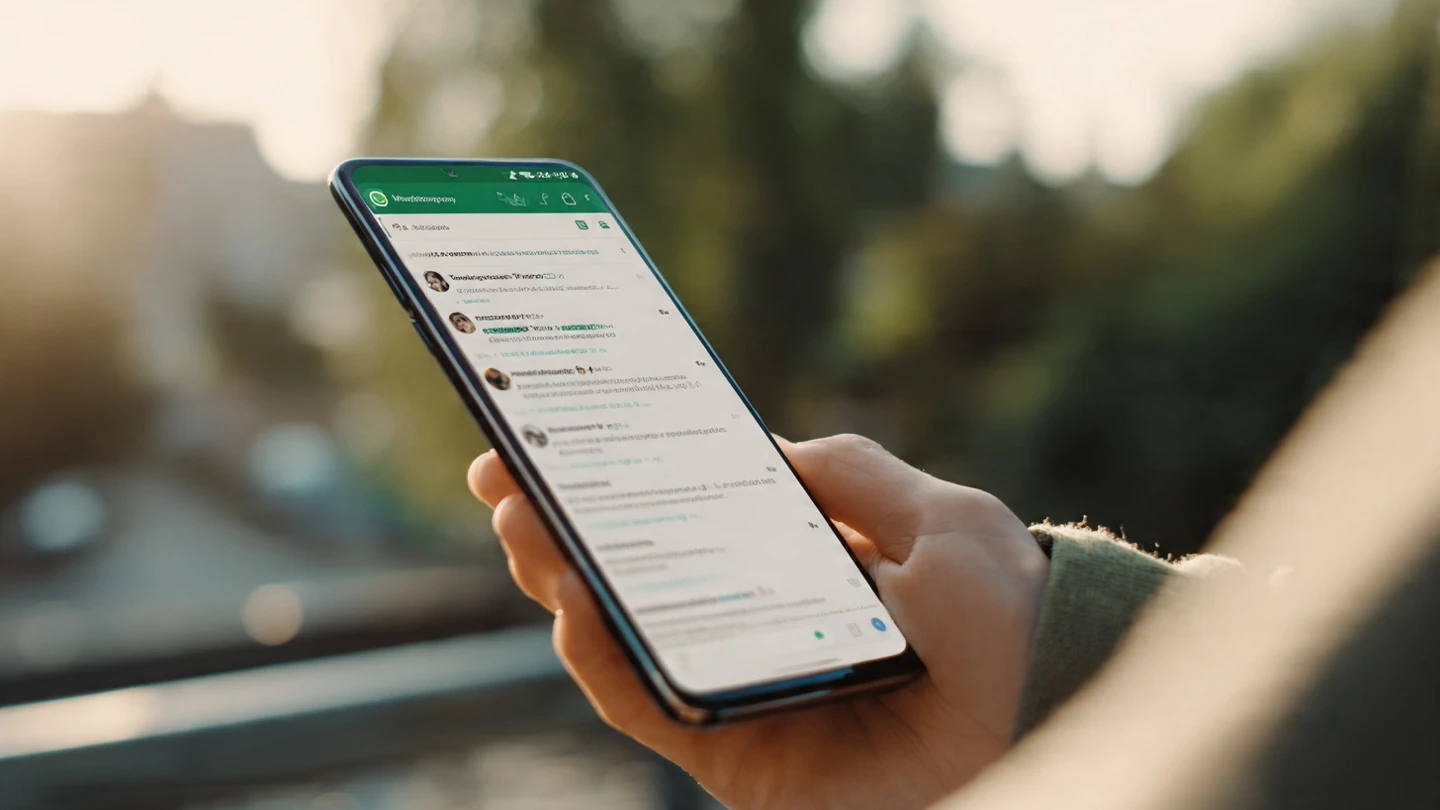
WhatsApp makes it easy to leave any group chat, regardless of the device type. Only group admins will be notified when you exit, making it a discreet process. Here’s how to leave a WhatsApp group chat:
- Open the group chat on WhatsApp.
- Tap the group name at the top to open the group info.
- Scroll down and tap “Exit Group”.
- Confirm by tapping “Exit”.
Once you’ve exited, you’ll no longer receive messages from that group unless you choose to re-join.
Frequently Asked Questions
1. Can I Leave a Group Text on SMS/MMS?
Unfortunately, if the group text is SMS/MMS (indicated by green bubbles on the iPhone), there’s no built-in option to leave the group. Your best bet is to mute the conversation to stop notifications or block the participants.
2. What Happens When I Leave a Group Text?
When you leave a group text on platforms like iMessage, Google Messages, or WhatsApp, you’re no longer part of the conversation, and you won’t receive any new messages. On WhatsApp, only admins are notified that you’ve exited, so it’s discreet.
3. Can I Mute a Group Text Without Leaving It?
Yes! On iMessage and Google Messages, you can mute notifications for a group text without leaving it. This way, you won’t get bothered by constant messages but can still check the chat whenever you want.
4. Can I Remove Myself from a WhatsApp Group Without Anyone Knowing?
Yes, when you leave a WhatsApp group, only the group admins are notified. Your departure is discreet, and the other members won’t be alerted.
Final Thoughts: Take Control of Your Group Texts
Learning how to remove yourself from a group text is essential for managing your digital life and keeping things organized. Whether you’re on iPhone, Android, or WhatsApp, there are several ways to exit, mute, or otherwise control your group text experiences. Always keep in mind that each platform has its own rules, so be sure to choose the method that works best for your situation.
The next time you find yourself stuck in a never-ending group chat, don’t panic—take charge and remove yourself or mute the conversation. You’ll feel so much more in control!