

I still remember the night I tried to build my first business website using a “free” website builder. Three hours in, I hit a paywall just to connect my domain. That frustration pushed me to research better options, and that’s how I landed on wordpress for small business website setups. Once I switched, everything clicked. I could grow at my own pace, control my site, and stop feeling boxed in by limitations.
If you want a website that grows with your business instead of holding it back, WordPress delivers in ways few platforms can.
Why Is WordPress a Smart Choice for a Small Business Website?
WordPress works because it adapts to real business life. I did not need coding skills or a huge budget to get started. The core software costs nothing, and I only paid for hosting and a domain name. That flexibility helped me launch fast without financial pressure.
What really sold me was scalability. I started with a simple services page and contact form. Later, I added online booking, email marketing tools, and even e-commerce using WooCommerce. WordPress never forced me to rebuild from scratch.
SEO also comes baked into the experience. With plugins like Yoast SEO or Rank Math, I optimized pages easily and started showing up in local search results. For a small business, visibility equals survival.
WordPress.com vs. WordPress.org: Which One Fits My Business?
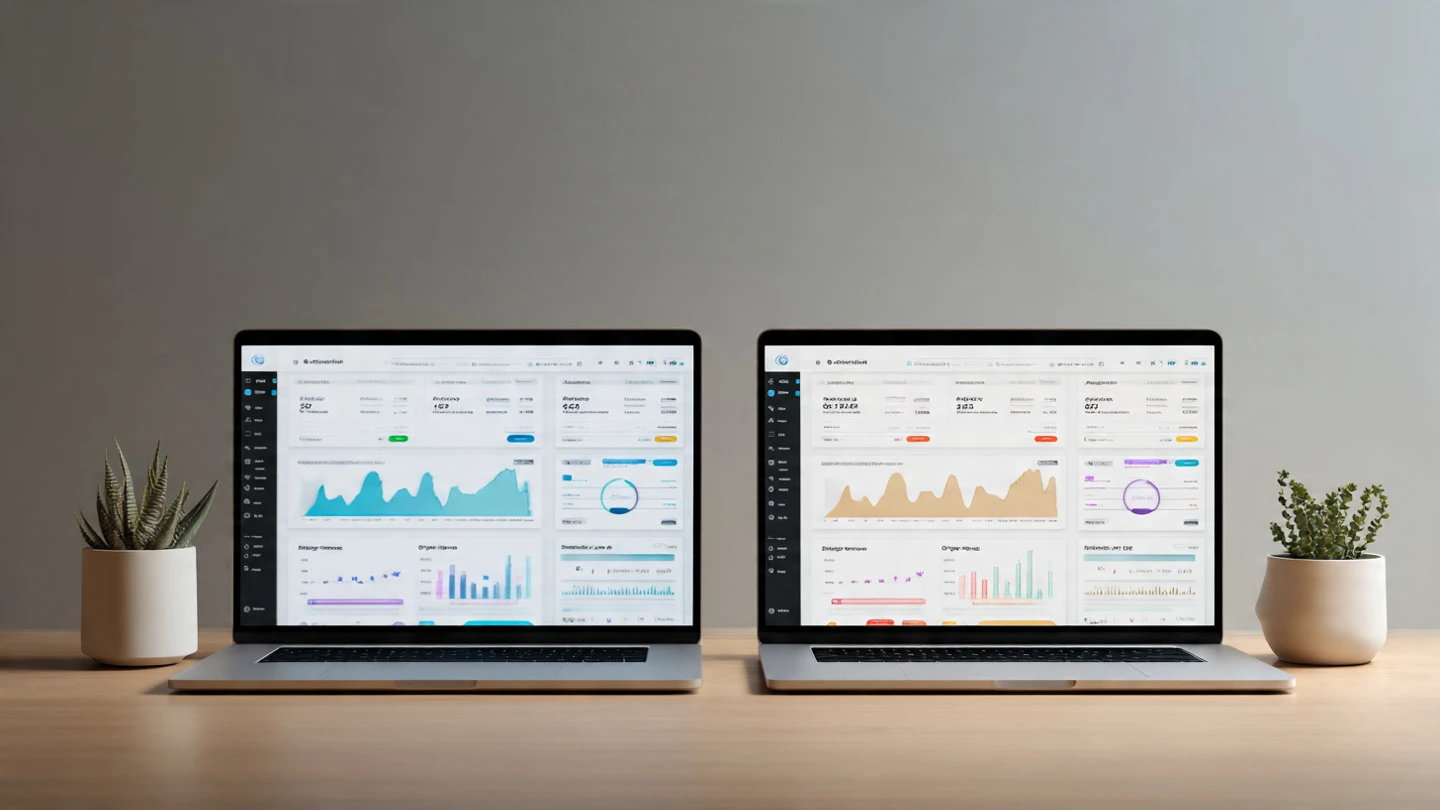
Choosing between WordPress.com and WordPress.org felt confusing at first, but the difference matters. I like to break it down based on control versus convenience.
With WordPress.org, I host the site myself. I control themes, plugins, data, and monetization. This option works best if you want full ownership and flexibility. Hosting usually costs between $5 and $50 per month, depending on traffic and features.
WordPress.com handles hosting, updates, and security for you. That convenience helps if you want a hands-off approach. However, customization depends on your plan, and advanced features usually require higher-tier pricing.
| Feature | WordPress.org | WordPress.com |
| Cost | Free software + hosting | Free plan with limits |
| Hosting | Self-managed | Fully managed |
| Customization | Unlimited | Plan-based |
| Maintenance | You handle it | Platform handles it |
| Ownership | Full control | Platform controlled |
I chose WordPress.org because I wanted freedom. If simplicity matters more to you, WordPress.com still works well.
How Easy Is It to Build a Professional Site Without Coding?
This is where WordPress shines. I built my site using a theme and the block editor without touching code. Drag-and-drop builders made layout changes feel intuitive instead of intimidating.
Themes control design, and plugins control features. Want online payments? Add a plugin. Need appointment scheduling? Install one. That modular system keeps things simple and flexible.
Mobile responsiveness also comes standard. Most modern WordPress themes adjust automatically for phones and tablets, which matters because customers browse everywhere.
How Does WordPress Support SEO and Online Visibility?

Search visibility matters for small businesses, especially local ones. WordPress gives you the tools to compete without hiring an agency.
I optimize page titles, meta descriptions, and URLs directly in the dashboard. SEO plugins guide every step and flag issues before they hurt rankings. That feedback loop builds confidence even if SEO feels new.
WordPress also integrates easily with Google Analytics, Google Search Console, and Google Business Profile. Those connections help track performance and improve content strategy over time.
How-To: How I Built My Small Business Website With WordPress
I follow a simple routine that keeps the process stress-free.
First, I decide whether I want full control or managed convenience. That determines WordPress.org or WordPress.com.
Next, I choose a domain name that matches my business and select reliable hosting with free SSL and one-click WordPress installation.
Then I install WordPress and pick a clean, professional theme. I customize colors, fonts, and layouts using the block editor.
After that, I create essential pages like Home, About, Services, and Contact. I add a contact form and basic SEO settings.
Finally, I install essential plugins for SEO, security, backups, and performance. Once everything works smoothly, I launch and promote the site everywhere.
What Plugins Do I Consider Essential for Small Businesses?
Plugins turn WordPress into a business engine. I keep my setup lean and purposeful.
SEO plugins help pages rank. Security plugins protect customer data. Backup plugins save me from disasters. Contact form plugins convert visitors into leads.
I avoid plugin overload. Too many plugins slow sites down. I choose well-reviewed, regularly updated tools and stick with what I actually use.
How Does WordPress Grow With My Business Over Time?
Growth never feels forced on WordPress. As my business expanded, my website adapted without redesigns or platform changes.
I added WooCommerce for online sales, CRM integrations for customer tracking, and analytics tools for performance insights. Everything plugged into the same ecosystem.
That scalability saves money long-term. I invest once and build continuously instead of migrating platforms every few years.
Frequently Asked Questions About WordPress for Small Business Website
1. Is WordPress really good for small business websites?
Yes. WordPress suits small businesses because it scales easily, costs less, and offers full control. I started small and expanded features as needed without switching platforms. That flexibility makes WordPress ideal for growing businesses.
2. How much does a WordPress small business website cost?
Costs vary based on hosting, themes, and plugins. I spent around $100 per year initially. As traffic grew, hosting costs increased slightly, but the platform itself remained free.
3. Do I need technical skills to manage WordPress?
No. WordPress works well for non-technical users. Most tasks use visual editors and settings panels. When issues arise, tutorials and community support help quickly.
4. Which WordPress option is better for beginners?
WordPress.com suits beginners who want simplicity. WordPress.org works better if you want control and customization. I recommend choosing based on comfort level and growth goals.
Built Small, Grows Big, Never Boxes You In
Using wordpress for small business website needs changed how I approach online growth. I stopped worrying about platform limits and focused on serving customers.
My biggest tip is simple. Start with what you need today, but choose a platform that supports tomorrow. WordPress gives you that freedom, and once you experience it, switching away feels unnecessary.