
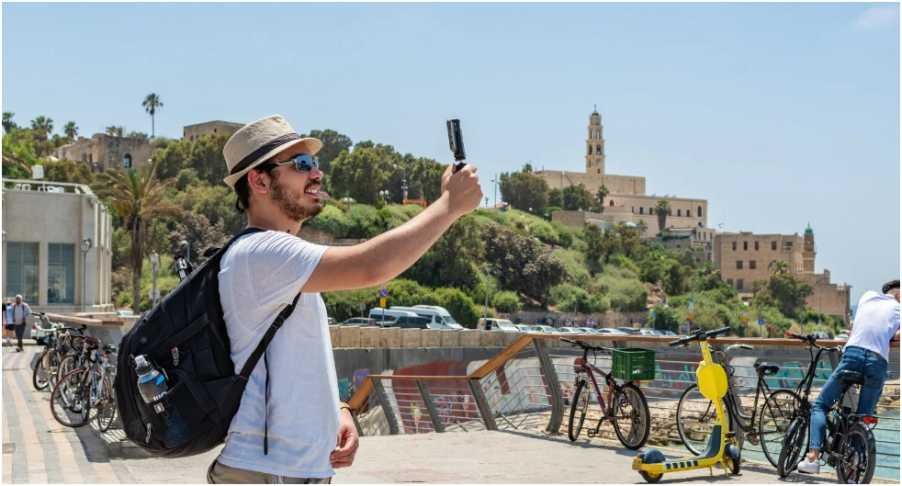
I still remember editing a blog post in a crowded airport lounge, juggling weak Wi-Fi, low battery, and zero patience. That’s when I realized something important—the best tools for travel bloggers aren’t just nice to have. They’re the difference between staying consistent or falling behind.
Over time, I built a simple, reliable system that works whether I’m in a café, on a train, or halfway across the world. If you’re trying to grow your blog while traveling, this routine will save you hours—and a lot of stress.
Key Takeaways
- The best tools for travel bloggers combine speed, simplicity, and flexibility
- Mobile-first tools keep your content consistent on the road
- SEO + Pinterest tools drive most long-term traffic
- AI tools help you scale without burning out
- A simple workflow always beats a complicated setup
What Are the Best Tools for Travel Bloggers I Actually Use Daily?
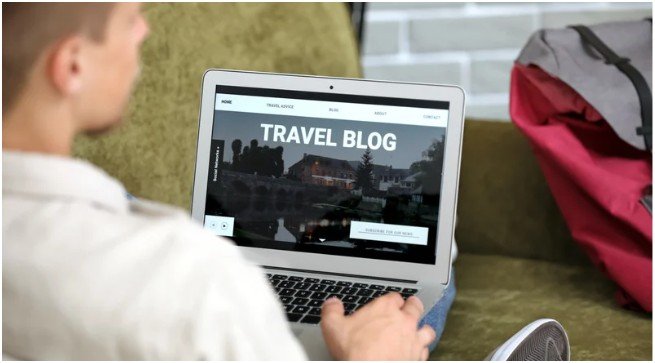
When I travel, I don’t want to think about tools—I want them to just work. Over time, I trimmed everything down to a lean setup that covers writing, visuals, SEO, and monetization.
For my website, I rely on WordPress with fast hosting. It gives me full control, especially when I want to optimize posts or monetize. I tried simpler platforms early on, but I quickly outgrew them.
For writing and SEO, I keep things practical. Grammarly helps me clean up posts fast, especially when I’m writing on my phone. Rank Math guides my SEO without overwhelming me. And honestly, Google Analytics keeps me grounded—it shows me what’s actually working, not what I think is working.
What surprised me most? The best tools for travel bloggers aren’t the most expensive ones. They’re the ones you actually use every day without friction.
How Do I Stay Consistent While Traveling Full-Time?

Consistency used to feel impossible. New cities, different time zones, unpredictable schedules—it all adds up. That changed when I started planning like a traveler, not like a desk-bound blogger.
I use Notion to organize everything—blog ideas, travel plans, and content schedules. It feels like my digital brain. When I wake up, I already know what I’m working on.
For content scheduling, Tailwind became a game changer. Pinterest drives a huge chunk of my traffic, and scheduling pins in advance keeps things running even when I go offline for a day or two.
The real secret? I stopped chasing perfection. I focus on publishing consistently, even if it’s not perfect. That shift made all the difference.
Which Content Creation Tools Make My Travel Blog Stand Out?
Travel blogging is visual. If your photos and videos don’t grab attention, people scroll past. I learned that the hard way.
I use Canva almost every day. It helps me create Pinterest pins, blog graphics, and thumbnails quickly. I don’t waste time designing from scratch—I use templates and customize them.
For photos, Lightroom gives my images that polished, professional look. Even a basic shot can look stunning with the right edits.
For videos, I keep it simple but effective. CapCut handles my short-form content like Reels and Shorts. It’s fast, intuitive, and perfect when I’m editing on the go. When I need more control, I switch to LumaFusion or DaVinci Resolve for deeper edits.
Here’s how I think about it:
| Content Type | Tool I Use | Why It Works |
| Blog Graphics | Canva | Fast + easy templates |
| Photo Editing | Lightroom | Professional finish |
| Short Videos | CapCut | Quick, mobile-friendly |
| Long Videos | DaVinci Resolve | Cinematic quality |
The best tools for travel bloggers don’t slow you down—they help you create faster without sacrificing quality.
How Do I Edit Videos Without Losing My Mind While Traveling?
Video editing used to feel overwhelming. Now, it’s part of my routine.
When I’m on the move, I stick to mobile apps. CapCut handles most of my daily edits. I use features like auto-captions and music syncing to speed things up.
If I’m working on something more detailed, I switch to LumaFusion. It gives me multi-track editing and more control, all from my iPad. It feels like a mini editing studio in my backpack.
For bigger projects, I rely on DaVinci Resolve or Premiere Pro. These tools take more time to learn, but they give me full creative control.
And when I feel overwhelmed? I use AI tools like InVideo AI or Descript. They cut down editing time dramatically. Sometimes, I just paste my script and let the tool build a rough draft.
That balance between speed and quality keeps me consistent.
What Are the Best Tools for Travel Bloggers to Make Money?

Let’s be honest—travel blogging is fun, but income matters too. I learned that monetization works best when it feels natural, not forced.
I use affiliate platforms like Travelpayouts to recommend hotels, tours, and flights. These links blend naturally into my content, especially when I share real experiences.
Stay22 surprised me. Its interactive maps make hotel suggestions feel helpful rather than salesy. People click because it adds value.
For ads, I started with Google AdSense. It’s simple, and it works in the background while I focus on content.
The biggest lesson? Monetization grows with trust. When readers trust your recommendations, everything else becomes easier.
How Do I Stay Connected and Work From Anywhere?
Reliable internet used to be my biggest headache. I wasted hours searching for SIM cards in new countries.
Now, I use a global eSIM. I activate it before landing, and I stay connected instantly. That one change saved me so much time and stress.
Having consistent internet means I can upload posts, edit videos, and respond to emails without interruptions. It sounds simple, but it completely changed my workflow even for digital nomads tools.
If you’re serious about blogging on the road, this is one tool you don’t skip.
How to Build Your Own Setup Using the Best Tools for Travel Bloggers
When I started, I tried everything. Too many tools, too many subscriptions—it felt chaotic. Now, I keep it simple.
First, choose a solid platform. WordPress gives you flexibility and growth potential. Pair it with reliable hosting, and you’re set.
Next, focus on content creation. Use Canva for visuals and CapCut for videos. Don’t overcomplicate it. Start simple and improve over time.
Then, add SEO tools like Rank Math and keyword research tools like KeySearch. These help your content get discovered.
Finally, build your workflow. Plan in Notion, schedule with Tailwind, and track results with Google Analytics.
The goal isn’t perfection—it’s consistency. When your system feels easy, you’ll actually stick with it.
FAQs About the Best Tools for Travel Bloggers
1. What are the best tools for travel bloggers starting out?
Start with WordPress, Canva, Grammarly, and CapCut. These cover the basics without overwhelming you. You can always upgrade later as your blog grows.
2. Do I need expensive tools to succeed in travel blogging?
Not at all. Many of the best tools for travel bloggers are free or affordable. What matters more is how consistently you use them.
3. Which tool brings the most traffic to a travel blog?
Pinterest combined with Tailwind has worked best for me. It drives steady traffic over time, especially for visual travel content.
4. Is mobile editing enough for travel bloggers?
Yes, especially in the beginning. Apps like CapCut and VN Editor handle most needs. You can switch to desktop tools later for advanced projects.
So… Is This Setup Actually Worth It?
I’ve tried complicated systems, fancy tools, and “perfect” workflows. None of them stuck. What worked was building a setup that fits my lifestyle.
The best tools for travel bloggers are the ones that support your routine—not the ones that slow you down. When your tools feel effortless, you create more, stress less, and actually enjoy the process.
If I could give you one tip? Start simple, stay consistent, and upgrade only when you truly need it. That’s how real growth happens.